
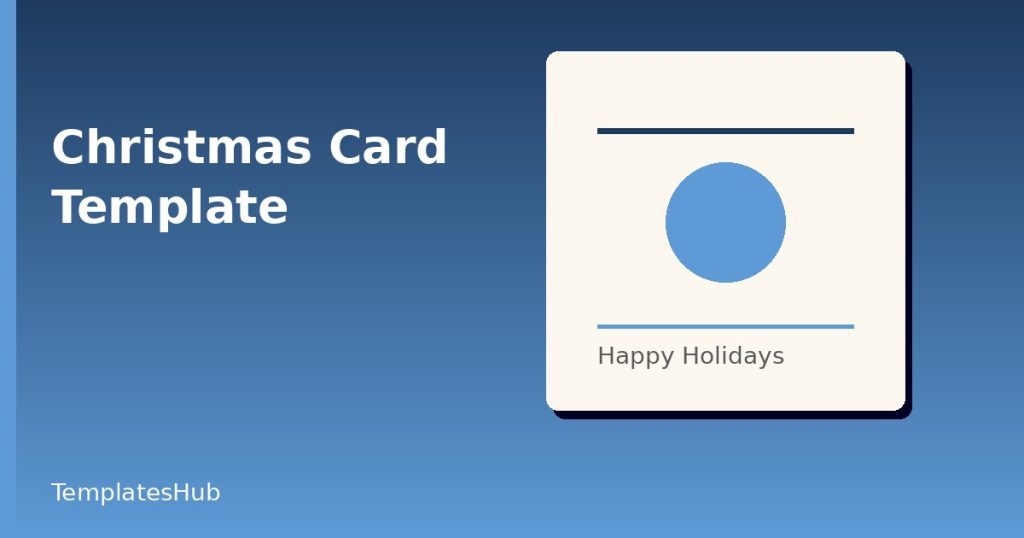
A christmas card template turns a pile of holiday to-dos into a one evening project. Choose a layout, drop in your names and photo, print, and you are ready to sign envelopes. The trick is picking the right size and wording early, so you do not waste card stock.
Choose a Format
- Flat card: one panel, front and back. Cheapest and easiest to mail.
- Folded card: a standard 5 by 7 inch card folded in half, with art on the front and a message inside.
- Photo card: a flat 5 by 7 or 4 by 6 layout built around one or more pictures.
- Postcard style: 4 by 6, mailed without an envelope, which saves postage and time.
Standard envelopes fit an A7 card, which is 5 by 7 inches flat and 5 by 3.5 inches wide if folded in half the other way. Check the envelope size before you design.
What to Put on the Card
Keep the front simple: a greeting, a picture or illustration, and perhaps a year. Save the personal message for the inside. A cluttered front is harder to read at a glance.
Wording ideas
- “Merry Christmas from our house to yours.”
- “Wishing you peace, good food and plenty of cozy evenings.”
- “Season’s greetings from the Alvarez family. See you in the new year.”
- For work: “Thank you for a great year. Warm wishes for the holidays.”
For a note inside, write one or two lines about the year, then sign by hand. Handwriting is what makes a printed card feel personal.
Customize the Template
- Open the template in your editor and replace the placeholder names.
- Swap in your photo. Crop it so faces are not near the edges, because trimming can clip them.
- Adjust colors. Traditional red, green and gold are safe, but navy and silver look crisp too.
- Keep to two fonts: one decorative for the greeting, one plain for the rest.
- Check spelling of every name, especially in family cards.
If you need a matching party announcement, our free invitation templates can share the same colors and fonts.
Printing at Home or at a Shop
At home, use heavyweight matte or satin card stock, around 80 to 110 lb. Print a draft on plain paper first, then check alignment and spelling. Set the printer to the best quality and the right paper type. For folded cards, score the fold with a ruler and a dull knife edge so the crease is clean.
At a print shop, send a PDF with a small bleed, about 0.125 inch, if your design has color that reaches the edge. Order a few extra, as it is easy to run out.
Mailing Tips
Order stamps early. Write or print the addresses in a consistent style. Mail cards by early December so they arrive before the holiday. Keep a list of who you sent to each year, which makes next year easier.
Design Mistakes to Avoid
- Putting text over a busy part of a photo.
- Low resolution pictures that look blurry in print. Use images at least 300 dpi at the print size.
- Forgetting to leave a margin for the printer’s edge.
- Mixing too many colors. A few well chosen ones read as polished.
For more ideas across occasions, visit our free templates hub.
Using a Christmas Card Template for Business
Add a logo and a short, warm message. Avoid hard sales language. A signed note from the team or owner is more appreciated than a coupon. Keep the tone in line with your audience, and consider a neutral “Happy holidays” if your list is broad.
FAQ
What size is a standard Christmas card?
Most are 5 by 7 inches flat, or folded to 5 by 3.5. A 4 by 6 photo card is also common.
Can I make cards in Word or Google Docs?
Yes. Use a landscape page, divide it into two halves, and put the front art on the right and the message on the left, then fold. Or use a ready-made template and edit the text.
When should I send them?
Aim to mail in the first or second week of December. Overseas recipients need more time.

Written by thadmin_r7
The Templates Hub editorial team writes practical, plain-English guides for everyday readers.
More articles by this author →
Graduation Invitation Template: Wording and Layout Guide
A graduation invitation template helps you announce the ceremony or party with the right details. See wording examples,…
Birthday Card Template: Fold, Wording and Printing Tips
A birthday card template gives you the layout, fold lines and space for a message. Learn to personalise…
Postcard Template: Size, Layout and Print Checklist
A postcard template keeps size, address area and margins correct. See standard dimensions, how to lay out both…
Save the Date Templates: Wording, Timing and Design
Save the date templates exist for one simple reason: guests need to block out a day long before…