
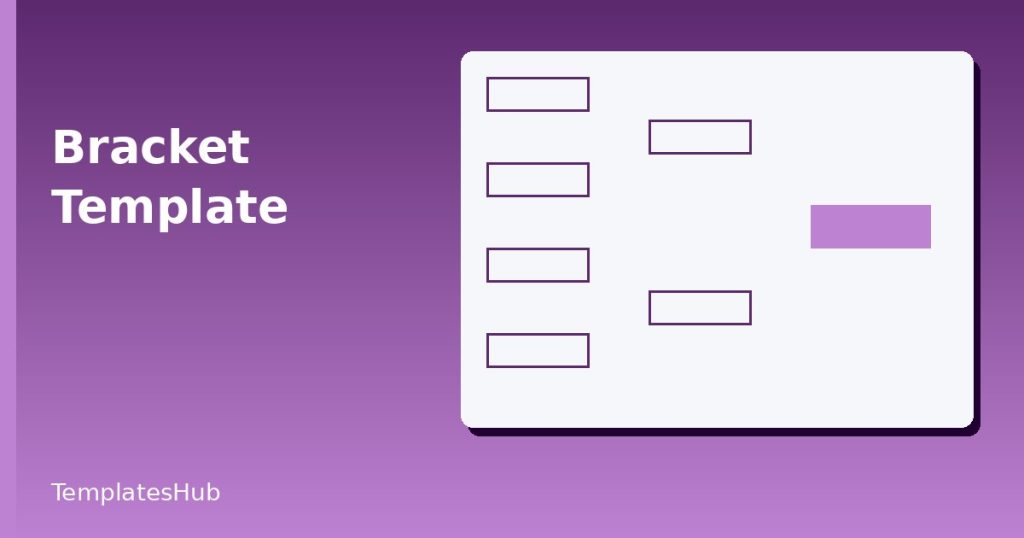
A bracket template is a chart that shows who plays whom in a knockout competition and how winners move forward round by round. It works for school tournaments, office pools, chess clubs and board game nights. Building a clean one takes less time than people expect, once you know the numbers behind it.
Pick the Bracket Type First
Different formats suit different groups.
- Single elimination. Lose once and you are out. It is quick and simple, ideal when time is short.
- Double elimination. A player must lose twice to be eliminated. It is fairer, but takes more games and a larger chart.
- Round robin. Everyone plays everyone. This is a table of results more than a bracket, but many groups use it for the first stage.
For most casual events, single elimination is enough.
Get the Numbers Right
Brackets work best when the number of entrants is a power of two: 4, 8, 16, 32. A bracket for 8 has three rounds. A bracket for 16 has four. The total number of games is always one fewer than the number of entrants, so 8 teams mean 7 games.
What if you have 11 teams? Round up to 16 and give the five extra spots to the top seeds as byes. A bye means a team skips round one and advances automatically. Seed the strongest teams so that byes go to them and spread them apart, so they do not meet until later.
How to Draw a Bracket Template Step by Step
- List all entrants in a column down the left side, in seed order if you have one.
- Pair them: first seed against last, second against second to last, and so on. This keeps strong players apart in the early rounds.
- Draw a line joining each pair, and from its middle, extend a line to the next column. That is where the winner’s name goes.
- Repeat until a single line remains. Label that final slot Champion.
- Add round names across the top, such as Round 1, Semifinal and Final.
On paper, use graph paper so lines stay straight. In a spreadsheet, merge cells for the matchups and use borders for lines. A table in a word processor also works. Make each name box wide enough for long team names.
Making It Useful on the Day
Add small blanks beside each name for scores. Number the games so players know the order. If you have limited courts or tables, add a column for time and location.
Print the bracket large, on poster size if you can, and display it where everyone sees it. Update it with a marker as results come in. A digital copy in a shared spreadsheet lets participants check from their phones.
Ideas for Different Uses
Office pools often use a larger bracket with a column for each person’s picks and a score tally. Classrooms can use a bracket for voting on books or class mascots. Kids love one with pictures instead of names. For a cooking contest, fill in dishes instead of people.
Whatever the use, keep the layout the same, so people recognize how to read it.
Mistakes to Avoid
- Forgetting byes, which leaves an uneven round.
- Pairing close friends or teammates in round one without meaning to.
- Making name boxes too small to write in.
- Not deciding tie-breaking rules ahead of time.
Keep the bracket template simple enough that anyone can read it from a few steps away. If you need to swap a player after the draw, redo only the affected bracket path rather than the whole chart, and tell everyone before the next round starts.
A short rules sheet taped beside the chart, covering game length and who reports results, prevents most disputes.
FAQ
How many rounds does a bracket for 16 have?
Four rounds: round of 16, quarterfinals, semifinals and the final.
What is a seed?
A ranking that decides who plays whom. Seed 1 is the top-ranked entrant.
Can a bracket template handle an odd number of teams?
Yes, using byes so some teams skip the first round.
What should I do about ties?
Agree on a tiebreaker beforehand, such as a short extra game or a coin toss.
Related Templates

Written by thadmin_r7
The Templates Hub editorial team writes practical, plain-English guides for everyday readers.
More articles by this author →
Super Bowl Squares Template 2026: Printable Grid and Rules
Get a Super Bowl squares template 2026 setup: a 10x10 grid, how the digits work, payout ideas, and…

Budget Excel Template: Track Income, Bills and Savings
A budget Excel template adds totals and charts to your monthly plan. See how to set up sheets,…

To Do List Template: Layouts That Help You Finish Things
A to do list template helps you sort tasks by priority and deadline. See layouts that work, how…

Excel Calendar Template: Build and Use Your Own
An Excel calendar template updates dates automatically and prints cleanly. Learn where to find one, customise colours, add…