
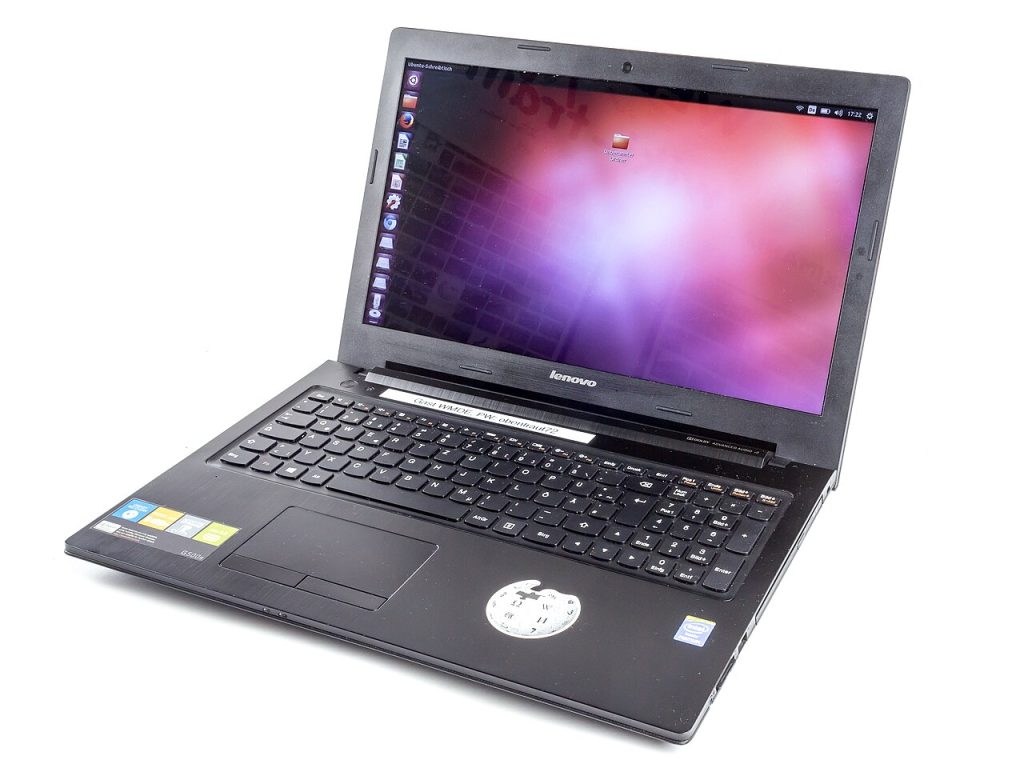
A free design is tempting, especially at the start of a project when every dollar has a use. Website templates free of charge can be genuinely good: many designers share simple, clean themes, and some platforms include free layouts in their basic plans. But free has its quirks, and knowing them in advance saves you from a rebuild six months later.
Where free templates come from
There are a few honest reasons a template is free. Designers release one as a sample of their paid work. Open-source communities build themes and share them. Platforms include a starter set so you can try their service. And some creators simply want to contribute. Understanding the motive helps you guess the quality and the catch, if there is one.
The possible catches
- A credit link in the footer that you may not be allowed to remove.
- Limited layouts, so you outgrow the design quickly.
- No support and no regular updates.
- Upsells that lock useful features behind a paid version.
- Code that is bloated or poorly written.
- In the worst case, hidden links or malicious code from untrusted sites.
None of these are reasons to avoid free templates completely. They are reasons to check carefully.
Pick trusted sources
Use the official directory of your platform whenever possible. For WordPress, the official theme directory reviews submissions, which lowers risk. Builder platforms include their own libraries. Avoid sites that offer “nulled” premium themes, since those are pirated files that often hide malware and break the law. They are never worth it.
Quality checks in five minutes
1. Open the demo on a phone and on a laptop. 2. Check the load time with a free speed tool. 3. Look for the last update date, and avoid anything untouched for years. 4. Read user reviews and support replies. 5. Scan the downloaded file with security software before uploading.
Features you actually need
Make a short list before browsing: mobile layout, a contact form, a blog, an online shop or a gallery. Free templates often cover one or two of these well and the rest poorly. Choose for your main goal. If you plan to sell products, a free theme may be too thin, and you should compare with a paid option in website templates.
Licence reading
Open the licence file. It will say whether you may use the template commercially, whether you can modify it and whether credit is required. Keep a copy. If you are building for a client, double check that the licence allows it.
Customising without breaking it
If you plan to edit the code, use a child theme or a copy so updates do not erase your changes. Change colours and fonts first, since those are the safest edits. Remove unneeded sections rather than hiding them with code. Back up before any major change.
Speed and safety
Free themes sometimes load many scripts and fonts. Disable what you do not use, compress your images and keep your platform and plugins updated. Use strong passwords and two-step login on your admin account. Our guide to WordPress templates covers more of the safe-setup basics.
When to upgrade
If you spend more time fighting the template than writing content, it may be time to pay. Signs include constant layout bugs, missing mobile features, no response from support or a need for features the free version locks. A modest premium licence can be cheaper than hours of workarounds.
Do not forget the legal pages
Add a privacy policy and terms before launch. The article on a privacy policy for a website explains what to include.
More reading
For picking between options in general, see how to choose a website template. If you want to learn about the design side, read website design templates. For non-web files, templates free download covers safe sources.
Alternatives when free is not enough
If a free template falls short, consider a low-cost premium theme, or use a builder with a free plan to test the idea before moving on. Another option is to start from a simple free theme and hire a freelancer for a few targeted improvements. That is often cheaper than buying a large premium bundle and using only a small part of it.
A note on speed
Run your page through a free speed test before you publish. If images are the problem, compress them. If scripts are the problem, ask whether you really need every feature. Free themes that load fast on a clean setup can feel premium to visitors, and that matters more than a long feature list.
Final thoughts
Free templates are fine when you choose carefully: trusted source, clear licence, recent updates and a design that fits your content. Test, scan and back up, and keep an eye out for the catches. For more on open licences, see open-source software on Wikipedia.

Written by thadmin_r7
The Templates Hub editorial team writes practical, plain-English guides for everyday readers.
More articles by this author →
Google Sites Templates Free: What to Check Before Copying
Free sounds simple until you copy a shared site, publish it, and later discover a photo you had…
Google Sites Templates: Layout Choices That Hold Up
Choosing between google sites templates often starts with colour, because that is what the preview shows. Layout is…
Google Site Templates: A Plain Guide for Small Projects
Say you need a page for a school club, a small shop, or a family event, and you…

Google Forms Templates: Build Surveys and Quizzes Fast
Frequently asked questions is a useful way to learn about forms, so this guide uses that format throughout.…