
A client who is unsure about price often says nothing and goes elsewhere. A clear written quote fixes that. An estimate template gives you a repeatable layout so every job is priced in the same easy-to-read way, and nothing gets forgotten, such as materials, travel or taxes. Below is what to put in it and how to use it.
Estimate, quote and invoice: the difference
An estimate template also makes you look organised before the work even starts. An estimate is your best calculation of the cost before work starts. It may change if the job changes. A quote often means a fixed price offer. An invoice is the bill after work is done. Many people use “estimate” and “quote” loosely, so state in the document which one you mean, and say whether the figure is fixed or approximate.
What an estimate template should contain
Your details
Business name, address, phone, email, and any registration or tax number your region requires.
Client details
Name, company if relevant, address of the job, and contact information.
Reference and dates
- Estimate number, so you can trace it later
- Date issued
- Expiry date, such as “valid for 30 days”
Description of work
Describe the scope in plain words. Say what is included and, just as important, what is not. “Supply and fit two interior doors, including removal of old doors. Painting is not included.”
Line items
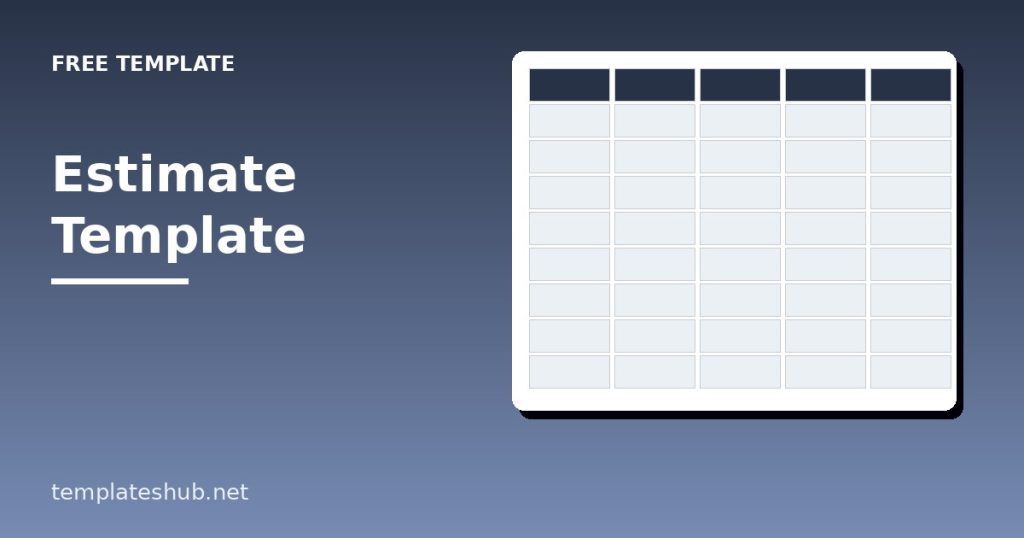
A table with columns for description, quantity, unit price and line total. Separate labour and materials where it makes sense, so the client can see where costs come from.
Totals
Subtotal, tax or VAT where it applies, and a grand total. Make sure the arithmetic is right; wrong sums destroy trust.
Terms
- Payment schedule or deposit
- Timeline or start date
- How changes are priced
- What happens if the estimate expires
Acceptance
A line for the client to sign or reply “accepted”. This gives both sides a record.
How to build and use the template
1. Open a spreadsheet or a Word table. Spreadsheets can add the totals automatically with a simple formula. 2. Lay out the sections above in order. 3. Add formulas for line totals and the final sum. Microsoft explains basic formulas in Excel formulas support. 4. Save as a master file and a PDF version for sending. 5. For each job, copy the master, update the number and details, and re-check the sums. 6. Send the PDF with a short covering email.
Pricing tips
- Include a small contingency if the job has unknowns, and say so.
- Break big jobs into phases.
- Write down your assumptions, such as “access to the site on weekdays.”
- Avoid undercutting yourself just to win the job.
- Offer options, such as basic and premium, for clients who need to choose.
Writing the scope well
Use short numbered points. State measurements, materials and brands if relevant. If something depends on the client, such as providing paint or clearing a room, put it in writing. Most arguments about extra costs start from missing detail.
Common mistakes
- Vague descriptions like “general work”
- Forgetting travel, disposal or permit costs
- No expiry date, leaving you tied to old prices
- Mixing estimate and invoice wording
- Not saving a copy of what the client accepted
Following up
If you hear nothing, send a short polite message after three to five days: “Just checking you received the estimate and whether you have any questions.” Do not chase daily.
FAQ
Should I charge for estimates? Some trades do for complex work. Decide your policy and state it up front.
Is an estimate legally binding? It depends on wording and local rules. Where this matters, get local advice.
Can the final price differ? If you label it an estimate, allow for reasonable changes, but tell the client early if costs move.
Final thoughts
Review your estimate template every few months as prices change. A tidy, honest estimate shows you are organised before you pick up a tool. Keep the template simple, check the figures twice, and update your prices regularly.
More guides you may like

Written by
The Templates Hub editorial team writes practical, plain-English guides for everyday readers.
More articles by this author →
Marketing Plan Template: Goals, Audience and Budget
A marketing plan template organises your goals, audience, channels and budget. See each section, how to fill it…
SOP Template: Write Standard Operating Procedures That Work
An sop template turns how you do a task into clear, repeatable steps. Learn the sections to include,…
Business Proposal Template: Sections That Win Work
A business proposal template helps you pitch services or projects clearly. See the sections to include, how to…
Email Signature Template: Build a Clean, Trusted Sign-Off
An email signature template gives every message a professional finish. See what to include, how wide to make…