
You have found a design you like and the button says download. Before you click, it helps to know what you will receive and what to do with it. This guide covers free resume templates download basics in the order you will need them: file types, safe handling, editing and exporting.
File types in a free resume templates download
.docx
A Word document. Fully editable, widely supported and usually the best choice for a resume you will keep updating. It also opens in Google Docs, LibreOffice and Pages.
.dotx
A Word template. When opened, it creates a new document and leaves the original untouched. Useful if you plan to make several versions.
Good for preview and for sending, poor for editing. If a template is only offered as a PDF, you will have to rebuild it, which defeats the point.
.zip
A package, often with the resume, a cover letter and a font folder. Extract before opening so fonts and images link correctly.
Google Docs link
Opens a view-only copy. Choose File, Make a copy to edit it in your own account.
Handle downloads safely
Good habits protect your computer and your personal data.
- Download from the site you intended to visit, and glance at the address bar.
- Expect a document, not a program. A resume template should never end in .exe, .msi or .bat.
- Be wary of any page that forces a sign-up, a survey or a software installer before the file.
- Scan archives with your security tool before opening them.
- Open the file in Protected View first. Only click Enable Editing when you trust it.
- Never enter payment details for something advertised as free.
Install fonts if the template asks
Some designs use fonts that are not on your computer. If the template includes a font folder, install the fonts, restart Word, and then open the file. If you cannot install them, change the font to a safe alternative. Do this before you type your content, because font changes alter line breaks.
Edit step by step
1. Save As with your own name immediately. 2. Replace the header block: name, city, phone, email and a professional link if relevant. 3. Rewrite the summary for the specific role. 4. Fill in work experience in reverse chronological order. 5. Add education, certifications and skills. 6. Delete any unused sections rather than leaving blanks. 7. Zoom out to check balance, then print preview.
Microsoft’s support site explains how to work with styles and layout in Word, which helps if the template uses styles you want to adjust.
Keep the layout stable
Resume templates break most when people press the space bar to line things up. Use the tab and indent controls or the template’s built-in styles. Avoid adding extra text boxes. If a bullet list jumps to another page, tighten the wording, not the margins.
Licence check
Read the terms attached to the download. Personal use for job applications is typically permitted. Reselling or redistributing the template as your own is typically not. The Creative Commons overview explains the symbols if you see them. If attribution is required, note that you generally do not need to place credits on your resume itself; the terms will tell you where.
Exporting your final copy
- Choose PDF when the employer has no preference, as it locks fonts and spacing.
- Choose .docx if the job portal asks for Word or when it parses poorly from PDF.
- After exporting, open the file and verify text is selectable. If you can’t highlight it, an ATS can’t read it.
- Check the file size. A resume should be well under 1 MB.
Version control for job hunters
Keep one master resume with everything you have done, drawn from whichever free resume templates download you settled on, then create trimmed copies for each application. Use filenames like firstname-lastname-resume-marketing.pdf and keep a simple log of where each version went.
Mistakes to avoid
A second free resume templates download rarely fixes a weak first draft; better content does.
- Downloading several templates and mixing parts of each
- Choosing a design that needs expensive fonts or software
- Leaving sample content such as “Your Name Here”
- Putting a photo where it isn’t expected
- Forgetting to remove tracked changes and comments before sending
Quick pre-download checklist
When comparing free resume templates before you save anything, ask these questions.
- Does the page show the file format clearly?
- Is the licence stated?
- Does the preview show a simple, readable layout?
- Do you have the software to open it?
- Is the file size modest?
- Does the template include a matching cover letter, so both documents look like a set?
- Can you read the preview text clearly at normal zoom?
- Is there a contact or source page showing who made it?
Last thoughts
A free resume templates download should take a few minutes and leave you with a clean, editable file. Confirm the format, handle the file safely, edit with styles, and export the right version. Spend the saved time making your achievements specific, because that is what readers remember.
More guides you may like
- Copyright Basics: What You Can and Cannot Use Online
- How to Get Your First Freelance Clients
- Free Resume Templates: How to Pick One That Gets Read
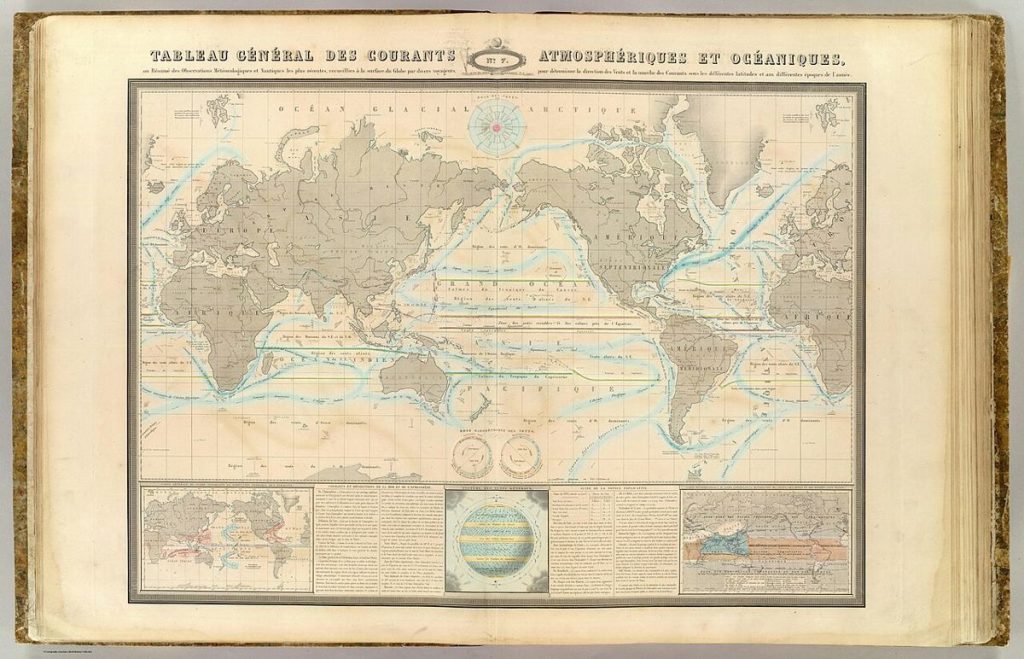
Image credit: Garnier, F. A., 1803-1863
P.-A. Bourdier et Cie.
Sarazin (Firm) via Wikimedia Commons (Public domain).

Written by
The Templates Hub editorial team writes practical, plain-English guides for everyday readers.
More articles by this author →
Google Resume Templates: A Step-by-Step Setup Guide
Three weeks into a job search, many people realise they have ten slightly different resumes scattered across devices.…
Simple Resume Templates That Let Your Work Speak
Simple resume templates have a reputation for being boring, yet they are what most hiring managers prefer. They…
Sample Resume Templates With Wording You Can Borrow
Blank pages are intimidating, which is why people search for sample resume templates. Seeing a finished example makes…
Resume Templates Google Docs: Edit, Share and Export
Resume templates Google Docs users love have one big advantage: your resume lives in the cloud. You can…